Calendars
View your schedule for a single week, month, or year
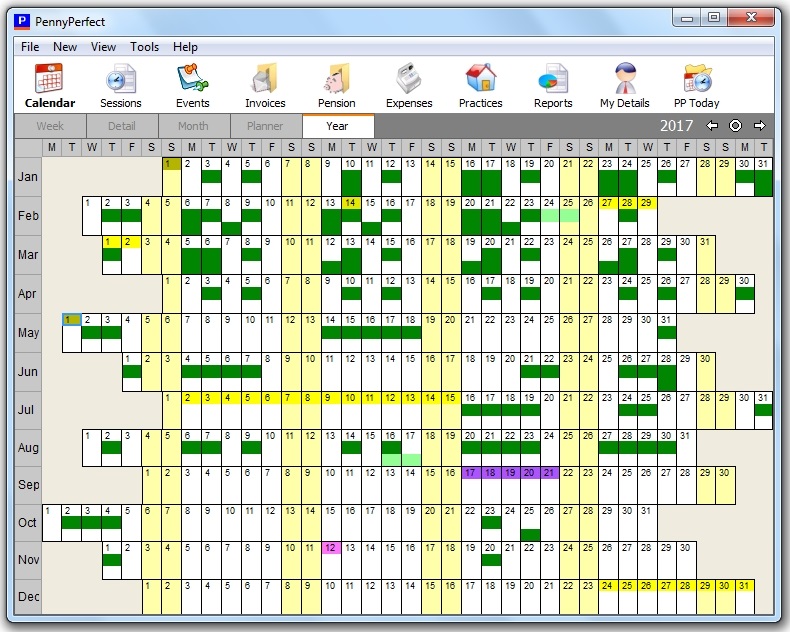
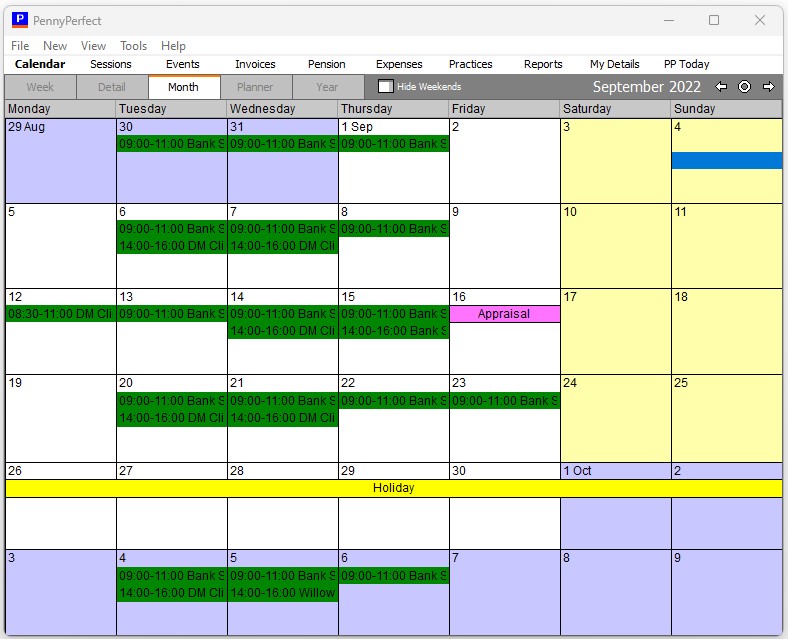
The calendar views give you simple overviews of your work schedule. Sessions appear on the calendars in different colours depending on the session type (Standard, OOH etc).
- To create a new session, double click any blank area on the calendar
- To edit an existing Session, double click it.
- To show or hide the Saturday and Sunday columns, click the 'Weekends' button.
The year view provides an overview of an entire year. The coloured cells indicate sessions and events. A coloured digit means an event on that day. A colour in the middle of a cell indicates a session before midday, and a colour in the bottom of a cell indicates a session after midday.