Events
Record the dates of bank holidays, vacation, courses etc
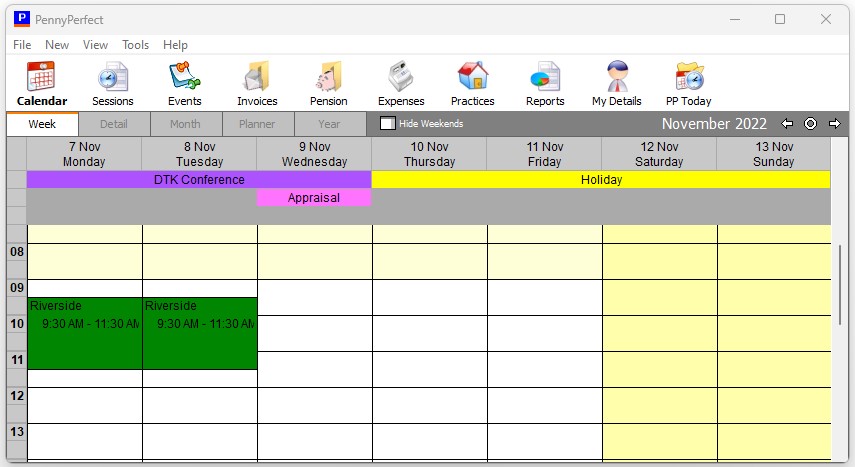
PennyPerfect allows you to display important events on your calendars, assisting you in your scheduling. Events can be entered as a single day such as a bank holiday, or multiple day such as a vacation or conference.
Events can be categorised, and the categories colour coded on the Options screen which affects how they are displayed on the calendars.
Events can be entered on the Events grid, or by double clicking or right clicking on the calendars. On the week calendar, double click on the column header to enter an event. On the month and year calendars, double click on the day number to enter an event. A double click on any other part of the calendar will open the dialogue for a new Session to be entered.